11 Best AI Tools for Interior Designers (2026): Design Faster & Impress Clients
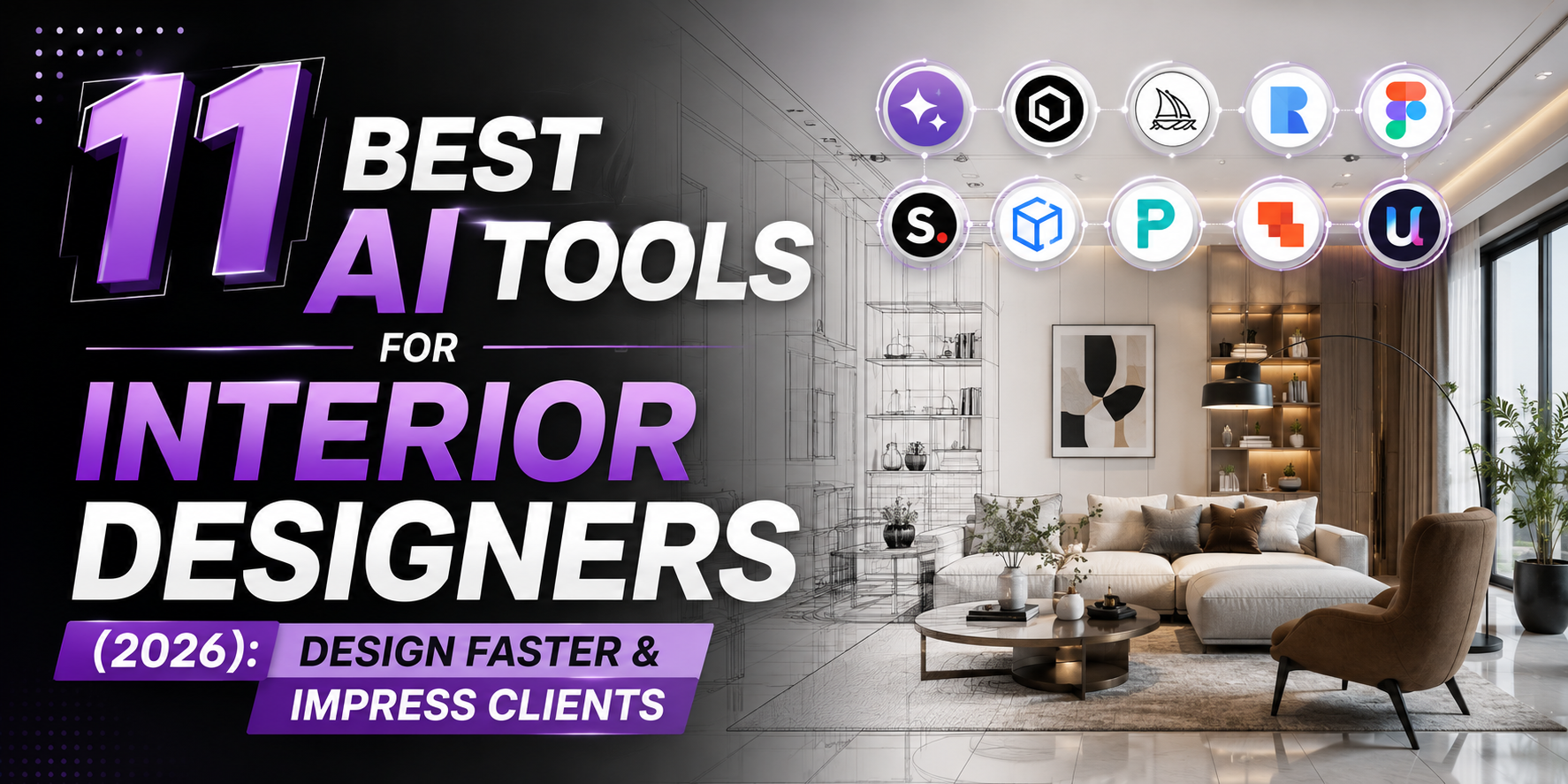
Artificial intelligence is transforming the way interior designers work. Tasks that once took hours—such as creating mood boards, generating room concepts, visualizing furniture layouts, or preparing client presentations—can now be completed much faster with AI-powered tools.
Whether you’re a freelance interior designer, an architecture student, a home decorator, or you run an interior design studio, choosing the right AI tool can save time, improve creativity, and help you deliver projects more efficiently.
In this guide, you’ll discover the best AI tools for interior designers in 2026. We’ll compare their features, ideal use cases, pricing, and who should use each one.
Before choosing a tool, think about your biggest challenge. Some AI tools are excellent for generating room concepts, while others focus on realistic renders, floor planning, color palettes, or furniture recommendations. Selecting the right tool for your workflow is more important than simply picking the most popular option.
The comparison below highlights what each tool does best.
| Tool | Best For | Free Version |
|---|---|---|
| Planner 5D | Room planning | Yes |
| RoomGPT | Room redesign ideas | Yes |
| Homestyler | Interior visualization | Yes |
| Midjourney | Concept inspiration | No |
| Canva Magic Design | Mood boards | Yes |
| Adobe Firefly | Design assets | Yes |
| Foyr Neo | Professional interior projects | Trial |
| SketchUp AI Extensions | 3D workflows | Depends |
| Reimagine Home | Virtual staging | Limited |
| DecorMatters | Home decorating | Yes |
| Interior AI | Quick room transformations | Limited |
The best tool for you depends on how you work. If you mainly create concept designs for clients, AI image generators may be enough. If you produce technical layouts and professional presentations, you’ll likely benefit from dedicated interior design software.
1. Planner 5D
Planner 5D is one of the most beginner-friendly tools for creating room layouts and home designs.
It allows you to:
- Design floor plans
- Arrange furniture
- Visualize rooms in 3D
- Experiment with different layouts
- Share designs with clients
Why designers like it:
- Easy to learn
- Suitable for beginners
- Works for residential projects
- Large furniture library
Best for:
Freelancers, students, homeowners, and small interior design businesses.
2. RoomGPT
RoomGPT focuses on one simple task—helping you visualize how a room could look with different design styles.
Upload a photo of a room, choose a style such as Modern, Scandinavian, Minimalist, Industrial, or Luxury, and the AI generates redesigned concepts.
Popular use cases include:
- Client inspiration
- Renovation ideas
- Living room makeovers
- Bedroom redesigns
- Office interiors
Pros:
- Very fast
- Easy to use
- No design experience required
Limitations:
- Designed for concept generation rather than detailed construction planning.
3. Homestyler
Homestyler combines AI with professional interior planning features.
You can:
- Create floor plans
- Build realistic 3D rooms
- Add furniture from branded catalogs
- Produce client-ready visualizations
- Generate walkthroughs
This makes it suitable for professionals who need polished presentations.
Key features include:
- AI-assisted room design
- High-quality rendering
- Furniture placement
- Lighting simulation
- Material customization
4. Midjourney
Midjourney isn’t a traditional interior design application, but it has become a favorite among designers for generating creative concepts.
Instead of manually sketching ideas, you can describe the room you imagine.
Example prompt:
Design a luxury Scandinavian living room with oak flooring, beige fabric sofa, marble coffee table, warm natural lighting, indoor plants, and floor-to-ceiling windows.
Within seconds, you can generate multiple design directions that can inspire client discussions before detailed planning begins.
Midjourney is especially useful for:
- Luxury interiors
- Hotel concepts
- Restaurant themes
- Office inspiration
- Mood exploration
5. Canva Magic Design
Interior designers don’t just create rooms—they also create proposals, mood boards, social media posts, and client presentations.
Canva’s AI features help speed up these tasks by assisting with:
- Mood boards
- Client presentations
- Design proposals
- Instagram posts
- Marketing materials
- Portfolio pages
Instead of spending hours arranging layouts manually, designers can quickly build professional-looking presentations.
6. Adobe Firefly
Adobe Firefly is a powerful generative AI tool that helps interior designers create high-quality visuals for presentations, mood boards, marketing materials, and concept artwork. While it is not a complete interior design application, it integrates well with Adobe Photoshop and Illustrator, making it a valuable addition to a designer’s workflow.
Key Features
- AI image generation
- Background replacement
- Generative Fill
- Text effects
- High-resolution creative assets
- Integration with Adobe Creative Cloud
Best For
Design studios, architects, and professionals who already use Adobe software.
Pros
- Professional-quality output
- Fast editing workflow
- Excellent for presentations and marketing
Cons
- Requires an Adobe subscription for full functionality.
7. Foyr Neo
Foyr Neo is designed specifically for interior designers who need to move from concept to presentation quickly. It combines floor planning, 3D modeling, and photorealistic rendering in a single platform.
Instead of using multiple software applications, designers can complete most of their workflow within one interface.
Features
- 2D floor plans
- 3D room design
- Realistic rendering
- Extensive furniture library
- Lighting customization
- Material editing
Best For
Professional interior designers and design firms handling residential or commercial projects.
8. SketchUp AI Extensions
SketchUp has long been a popular tool for architects and interior designers. AI-powered extensions now make repetitive modeling tasks faster and improve productivity.
Depending on the extension you choose, AI can help with:
- Faster modeling
- Design suggestions
- Object generation
- Workflow automation
- Rendering assistance
SketchUp remains a strong option for professionals who already use CAD-based workflows.
9. Reimagine Home
Reimagine Home specializes in virtual staging and room transformation. Upload a photo of an empty or furnished room, and the AI generates redesigned versions in different styles.
This tool is especially useful for:
- Interior designers
- Home stagers
- Real estate agents
- Property developers
Popular design styles include:
- Modern
- Scandinavian
- Luxury
- Farmhouse
- Industrial
- Contemporary
It can help clients visualize renovation ideas before any physical work begins.
10. DecorMatters
DecorMatters combines AI with augmented reality, allowing users to experiment with furniture, colors, and layouts directly on mobile devices.
Key Features
- AR room visualization
- Furniture placement
- Color palette suggestions
- Shopping integration
- Community inspiration
Best For
Home decorators, DIY enthusiasts, and designers creating quick room concepts.
11. Interior AI
Interior AI focuses on rapid room transformations. Upload a photograph of a room, select a design style, and the platform generates multiple redesign concepts in seconds.
Popular styles include:
- Minimalist
- Modern
- Japandi
- Coastal
- Bohemian
- Luxury
- Industrial
- Classic
It’s particularly useful during the early idea generation stage of a project.
Choosing the Right AI Tool
The best AI tool depends on your work rather than the number of features it offers.
Choose Planner 5D if you need an easy-to-use room planner.
Choose RoomGPT or Interior AI if your priority is generating quick design concepts.
Choose Foyr Neo if you create professional interior projects and need high-quality renders.
Choose Midjourney if you want creative inspiration for unique interior concepts.
Choose Canva Magic Design if you frequently prepare presentations, proposals, and social media content.
Choose Adobe Firefly if you’re already part of the Adobe Creative Cloud ecosystem and need AI-assisted image editing.
Free vs Paid AI Tools
If you’re just starting your interior design journey, free AI tools are often enough for learning and creating initial concepts.
Paid software generally offers:
- Higher-quality renders
- Larger furniture libraries
- Better export options
- Commercial licensing
- Faster performance
- Collaboration features
- Advanced customization
For professionals working with paying clients, investing in a paid platform can save time and improve the quality of deliverables.
How AI Is Changing Interior Design
Artificial intelligence is helping designers work more efficiently, but it doesn’t replace creativity or professional expertise.
AI can assist with:
- Concept generation
- Space planning ideas
- Furniture recommendations
- Color combinations
- Mood boards
- Presentation design
- Client visualization
- Design inspiration
Human designers are still essential for understanding client preferences, building regulations, functionality, ergonomics, budgeting, and project execution.
The most successful professionals use AI to eliminate repetitive tasks so they can focus on creative decision-making and client relationships.
Frequently Asked Questions
Can AI design an entire house?
AI can generate concepts, layouts, and visual ideas, but complete architectural and interior projects still require human expertise, technical planning, and compliance with local regulations.
Which AI tool is best for beginners?
Planner 5D and RoomGPT are among the easiest tools to start with because they have simple interfaces and require little technical experience.
Can AI replace interior designers?
No. AI supports designers by speeding up repetitive work and generating ideas, but it cannot replace professional judgment, creativity, client communication, or project management.
Are free AI interior design tools worth using?
Yes. Many free tools are suitable for learning, brainstorming, and creating early-stage concepts. Professionals with advanced requirements often benefit from paid software.
Which AI tool creates the most realistic room images?
Several platforms offer realistic renders, and the best choice depends on your workflow. Dedicated interior design software generally provides more control over materials, lighting, and layouts than general-purpose AI image generators.
Conclusion
AI has become a practical assistant for interior designers, helping with everything from concept development and room visualization to presentations and client communication. Whether you’re a student, freelancer, or experienced professional, the right AI tool can reduce repetitive work and give you more time to focus on creativity and client satisfaction.
Rather than relying on a single application, many designers combine multiple tools—for example, using Planner 5D for layouts, Midjourney for inspiration, Canva for presentations, and Adobe Firefly for visual editing. Building a workflow that matches your projects will often deliver better results than trying to find one tool that does everything.

25 Best ChatGPT Prompts for Bloggers to Write Faster and Rank Higher (2026)

ChatGPT vs Google Gemini vs Claude: Which AI Assistant Is Best in 2026?

Best AI Side Hustles in 2026 | 20 Profitable AI Income Ideas

15 Proven Ways to Make Money with AI in 2026

Best Free Android Games in 2026: 25 Must-Play Mobile Games for Every Gamer

Best Free PC Games in 2026: 20 Must-Play Games You Can Download Today

Vivo S2 5G Review: Full Specifications, Expected Price, Features & Should You Buy? (2026)