Best AI Tools for Freelancers in 2026 (Complete Guide to Work Faster & Earn More)
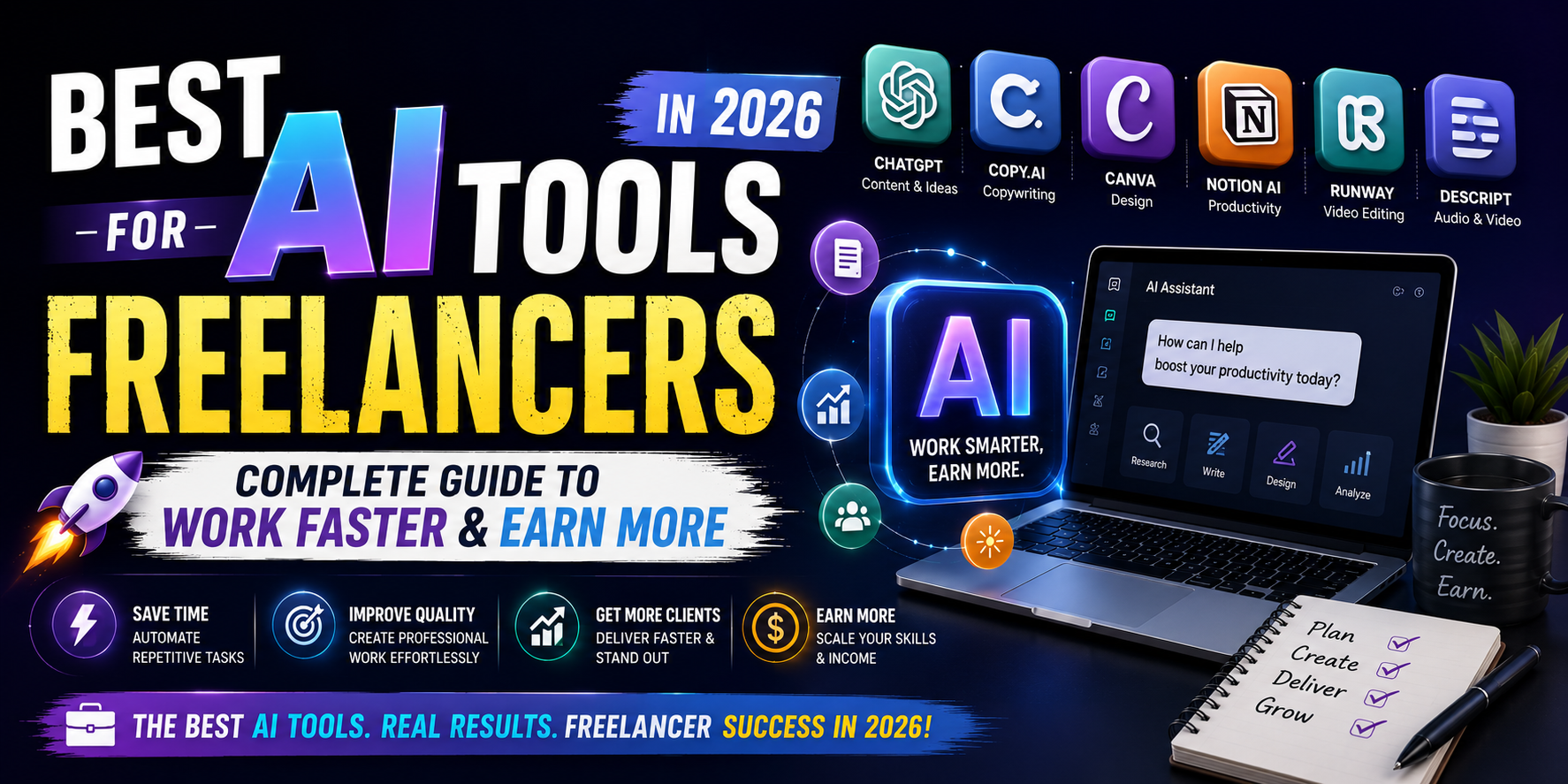
Artificial Intelligence has become one of the biggest productivity advantages for freelancers. Whether you’re a writer, designer, developer, marketer, SEO specialist, video editor, or consultant, AI tools can help you automate repetitive tasks, improve quality, and save valuable time.
The key is choosing the right tools for your workflow.
Instead of installing dozens of AI apps, successful freelancers build a small toolkit that covers writing, design, coding, communication, project management, research, and automation.
In this guide, you’ll discover the best AI tools for freelancers in 2026, their strengths, ideal use cases, and how to combine them into an efficient workflow.
Quick Answer
The best AI tools for freelancers in 2026 include ChatGPT for writing and brainstorming, Claude for long-form analysis, GitHub Copilot for coding, Canva AI for design, Grammarly for editing, Notion AI for productivity, Perplexity for research, Midjourney for concept art, Adobe Firefly for commercial image generation, and Descript for video and podcast editing.
Each tool solves a different problem, so the ideal toolkit depends on your profession and the type of work you deliver.
Who Should Read This Guide
This article is perfect for:
- Freelance Writers
- WordPress Developers
- Graphic Designers
- Web Designers
- SEO Experts
- Digital Marketers
- Copywriters
- Video Editors
- Social Media Managers
- Virtual Assistants
- Business Consultants
- Agency Owners
- Remote Professionals
Whether you’re just starting your freelance career or already managing multiple clients, these tools can help streamline your workflow.
Why Every Freelancer Should Use AI
Freelancers spend a significant amount of time on tasks that don’t directly generate income.
Examples include:
- Writing proposals
- Answering emails
- Researching competitors
- Organizing documents
- Creating invoices
- Preparing presentations
- Editing content
- Scheduling meetings
- Brainstorming ideas
- Managing projects
AI tools reduce the time spent on these repetitive activities, allowing you to focus on delivering excellent work and growing your business.
It’s important to remember that AI is most effective as an assistant—not a replacement for professional expertise.
1. ChatGPT – The Best All-Round AI Assistant
Best For:
- Writing
- Brainstorming
- Research assistance
- Client communication
- Proposal drafting
- Marketing
- Content planning
ChatGPT is one of the most versatile AI tools available. Freelancers use it to create outlines, improve writing, generate ideas, summarize information, draft professional emails, and organize workflows.
Pros
- Easy to use
- Excellent for brainstorming
- Supports multiple industries
- Saves significant time
- Great for learning new topics
Limitations
- Requires fact-checking
- Output quality depends on prompts
- Doesn’t replace subject-matter expertise
2. Claude
Best For
- Long-form writing
- Large document analysis
- Strategic planning
- Business documentation
Claude excels at understanding lengthy documents and maintaining context across complex projects.
Freelancers working on reports, business strategies, legal drafts (with appropriate review), or research-heavy content often find it particularly useful.
Best For
- Software Developers
- WordPress Developers
- JavaScript
- PHP
- Python
- HTML & CSS
Copilot suggests code as you type, helping developers reduce repetitive coding tasks and speed up implementation.
It works well for generating boilerplate code, debugging assistance, and accelerating common programming workflows, but generated code should always be reviewed and tested.
4. Canva AI
Graphic designers and marketers often need to create:
- Social media graphics
- Presentations
- Marketing materials
- Advertisements
- Infographics
Canva AI simplifies many of these tasks by helping with layouts, background removal, image generation, text suggestions, and design refinements.
It’s especially useful for freelancers working with small businesses that need fast, professional-looking assets.
5. Grammarly
Excellent writing isn’t just about ideas—it also requires clarity and accuracy.
Grammarly helps freelancers:
- Correct grammar
- Improve readability
- Adjust tone
- Reduce spelling mistakes
- Enhance professionalism
It’s particularly valuable for client communication, proposals, and website copy.
6. Perplexity
Research can consume hours.
Perplexity is designed to help users quickly explore topics, compare information, and locate cited sources, making it a useful starting point for research. Important facts should still be verified against original, authoritative sources.
7. Notion AI
Freelancers often juggle multiple clients and projects simultaneously.
Notion AI helps organize:
- Project notes
- Meeting summaries
- Content calendars
- SOPs
- Knowledge bases
- Task lists
Keeping everything in one organized workspace can improve consistency and reduce time spent searching for information.
8. Adobe Firefly
Best For
- Commercial image generation
- Marketing graphics
- Social media creatives
- Product mockups
- Website visuals
Adobe Firefly is a strong choice for freelancers who already use Adobe Creative Cloud. It integrates with applications like Photoshop and Illustrator, making it easier to create and edit visuals within an existing design workflow.
Pros
- Commercial-friendly workflows
- High-quality image generation
- Excellent Adobe integration
- Fast background editing
- Professional design features
Limitations
- Best experience within Adobe’s ecosystem
- Subscription costs may be higher than some alternatives
9. Midjourney
Best For
- Concept art
- Creative illustrations
- Mood boards
- Brand inspiration
- Marketing concepts
Midjourney is widely known for producing artistic, high-quality AI-generated images. It’s especially useful during the ideation stage when clients need visual concepts before final designs are created.
Remember that AI-generated artwork should complement—not replace—original design work where unique branding or client-specific assets are required.
10. Descript
Video content has become an essential marketing tool for businesses.
Descript helps freelancers:
- Edit videos
- Edit podcasts
- Generate subtitles
- Remove filler words
- Improve audio
- Create screen recordings
For freelancers offering video editing or content creation services, it can significantly speed up post-production.
11. ElevenLabs
Best For
- AI voice generation
- Voiceovers
- Audiobooks
- Explainer videos
- Training materials
If your freelance business includes multimedia projects, ElevenLabs provides realistic AI voice generation that can help create narration efficiently. Always ensure you have the appropriate rights and permissions when using synthetic voices.
12. Loom AI
Explaining revisions through long emails isn’t always effective.
Loom allows freelancers to record quick screen-sharing videos for:
- Client feedback
- Website walkthroughs
- Design reviews
- Tutorials
- Project updates
Short video explanations often reduce misunderstandings and save time for both you and your clients.
13. Zapier AI
One of the biggest productivity improvements comes from automation.
Zapier can connect hundreds of business applications to automate repetitive tasks, such as:
- Saving leads to a CRM
- Sending welcome emails
- Updating project boards
- Creating invoices
- Organizing client files
For freelancers managing multiple clients, automation reduces manual work and minimizes the risk of missed steps.
14. Otter.ai
Meetings often contain valuable information that’s easy to forget.
Otter.ai helps by generating transcripts and summaries, making it easier to:
- Review client discussions
- Capture action items
- Share meeting notes
- Keep project documentation organized
Always inform participants and follow local laws or company policies regarding meeting recordings.
15. Framer AI
Freelance web designers who create landing pages can use Framer AI to generate layouts and prototypes quickly.
It works well for:
- Startup landing pages
- Portfolio websites
- Product launches
- Marketing pages
Designs should still be refined to match the client’s branding, accessibility needs, and business goals.
How to Choose the Right AI Tools
Not every freelancer needs every AI tool.
Choose based on your profession.
For Freelance Writers
- ChatGPT
- Claude
- Grammarly
- Perplexity
- Notion AI
For WordPress Developers
- ChatGPT
- GitHub Copilot
- Perplexity
- Notion AI
- Loom
For Graphic Designers
- Canva AI
- Adobe Firefly
- Midjourney
- ChatGPT
- Loom
For SEO Professionals
- ChatGPT
- Perplexity
- Grammarly
- Notion AI
- Zapier
For Video Editors
- Descript
- ElevenLabs
- ChatGPT
- Canva AI
- Loom
Sample Freelance AI Workflow
Imagine a client requests a new website.
A streamlined workflow might look like this:
- Use Perplexity to research the client’s industry.
- Use ChatGPT to prepare discovery questions and draft a proposal.
- Organize the project in Notion AI.
- Build the website with the help of GitHub Copilot (if coding is involved).
- Create graphics in Canva AI or Adobe Firefly.
- Record a walkthrough using Loom.
- Automate follow-up emails with Zapier.
This combination keeps repetitive work to a minimum while leaving strategic decisions and quality control to you.
Common Mistakes When Using AI Tools
Avoid these pitfalls:
- Buying too many subscriptions without a clear need.
- Using AI-generated work without reviewing it.
- Ignoring copyright and licensing considerations.
- Publishing inaccurate information.
- Depending on automation instead of building skills.
- Forgetting to maintain your own writing or design style.
- Sharing confidential client information with AI tools without understanding the tool’s privacy settings and your contractual obligations.
The goal is to become more efficient—not less thoughtful.
Are Paid AI Tools Worth It?
For many freelancers, the answer depends on workload.
A paid AI subscription can be worthwhile if it:
- Saves several hours each week.
- Improves the quality of your deliverables.
- Helps you complete projects faster.
- Allows you to take on additional clients.
- Reduces repetitive administrative work.
Evaluate tools based on measurable value rather than hype.
Best AI Toolkit by Budget
Free Starter Toolkit
- ChatGPT (Free)
- Canva (Free)
- Grammarly (Free)
- Notion (Free)
- Loom (Free plan)
Ideal for beginners who want to improve productivity without significant upfront costs.
Professional Toolkit
- ChatGPT Plus
- Claude Pro
- GitHub Copilot
- Canva Pro
- Grammarly Premium
- Perplexity Pro
- Notion AI
Suitable for freelancers managing multiple clients and looking for a more integrated workflow.
Frequently Asked Questions
What is the best AI tool for freelancers in 2026?
There isn’t a single best tool for every freelancer. ChatGPT is one of the most versatile options for writing, brainstorming, and communication, while other tools excel in specific areas like coding, design, research, or video editing. The best choice depends on your profession and workflow.
Are free AI tools enough for freelancers?
Yes, many freelancers can start successfully with free plans. As your client base and workload grow, upgrading to paid versions may become worthwhile if they save enough time or unlock features you regularly need.
Can AI replace freelance jobs?
AI is changing how freelancers work, but it hasn’t eliminated the need for human expertise. Clients still value creativity, strategic thinking, industry knowledge, collaboration, and the ability to solve unique business problems.
Which AI tool is best for freelance writers?
Many freelance writers combine:
- ChatGPT for brainstorming and drafting
- Claude for working with long documents
- Grammarly for editing
- Perplexity for research
- Notion AI for organizing projects
Each tool serves a different purpose rather than replacing the others.
Which AI tool is best for WordPress developers?
A practical toolkit includes:
- ChatGPT for planning and documentation
- GitHub Copilot for coding assistance
- Perplexity for technical research
- Notion AI for project management
- Loom for client walkthroughs
Generated code should always be reviewed and tested before deployment.
Are AI-generated images safe for commercial use?
It depends on the platform’s licensing terms and the specific workflow. Always review the current license and usage policies of the AI tool you use before delivering commercial work to clients.
Should freelancers rely entirely on AI?
No. AI should support your work, not replace your professional judgment. The most successful freelancers use AI to speed up repetitive tasks while maintaining responsibility for quality, accuracy, and client communication.
Final Verdict
AI tools have become an important part of the modern freelance toolkit. They can help reduce repetitive work, improve organization, accelerate content creation, and make day-to-day operations more efficient.
However, tools alone don’t build a successful freelance business.
Long-term success still depends on:
- Delivering consistent quality
- Understanding client needs
- Communicating professionally
- Meeting deadlines
- Continuing to learn
- Building a strong reputation
Think of AI as an assistant that helps you work smarter. Your expertise, creativity, and professionalism remain the factors that clients ultimately pay for.
Instead of chasing every new AI application, build a focused toolkit that matches your services and refine it over time.
Key Takeaways
- Choose AI tools based on your profession, not popularity.
- Start with free plans and upgrade only when they provide measurable value.
- Always review and verify AI-generated work before delivering it.
- Use automation to reduce repetitive tasks, not to replace critical thinking.
- Combine multiple specialized tools to create an efficient workflow.
- Continue developing your skills—AI amplifies expertise, it doesn’t substitute for it.
25 Best ChatGPT Prompts for Bloggers to Write Faster and Rank Higher (2026)
ChatGPT vs Google Gemini vs Claude: Which AI Assistant Is Best in 2026?
Best AI Side Hustles in 2026 | 20 Profitable AI Income Ideas

15 Proven Ways to Make Money with AI in 2026

Best Free Android Games in 2026: 25 Must-Play Mobile Games for Every Gamer
Best Free PC Games in 2026: 20 Must-Play Games You Can Download Today
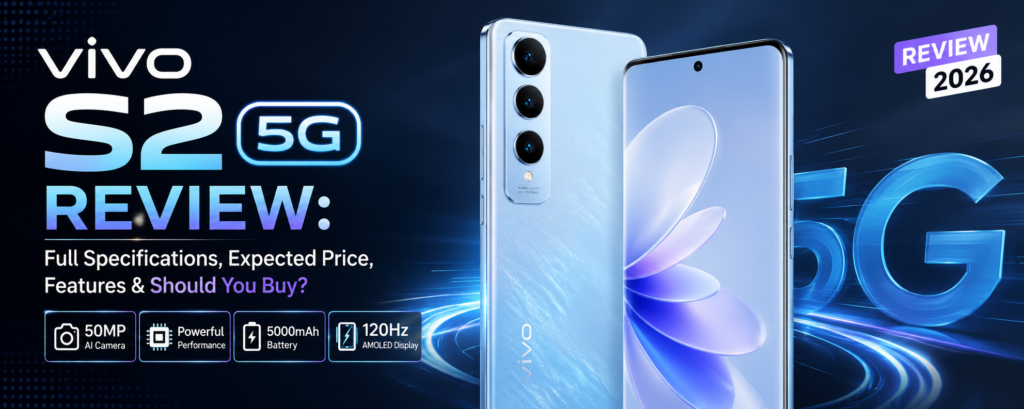
Vivo S2 5G Review: Full Specifications, Expected Price, Features & Should You Buy? (2026)